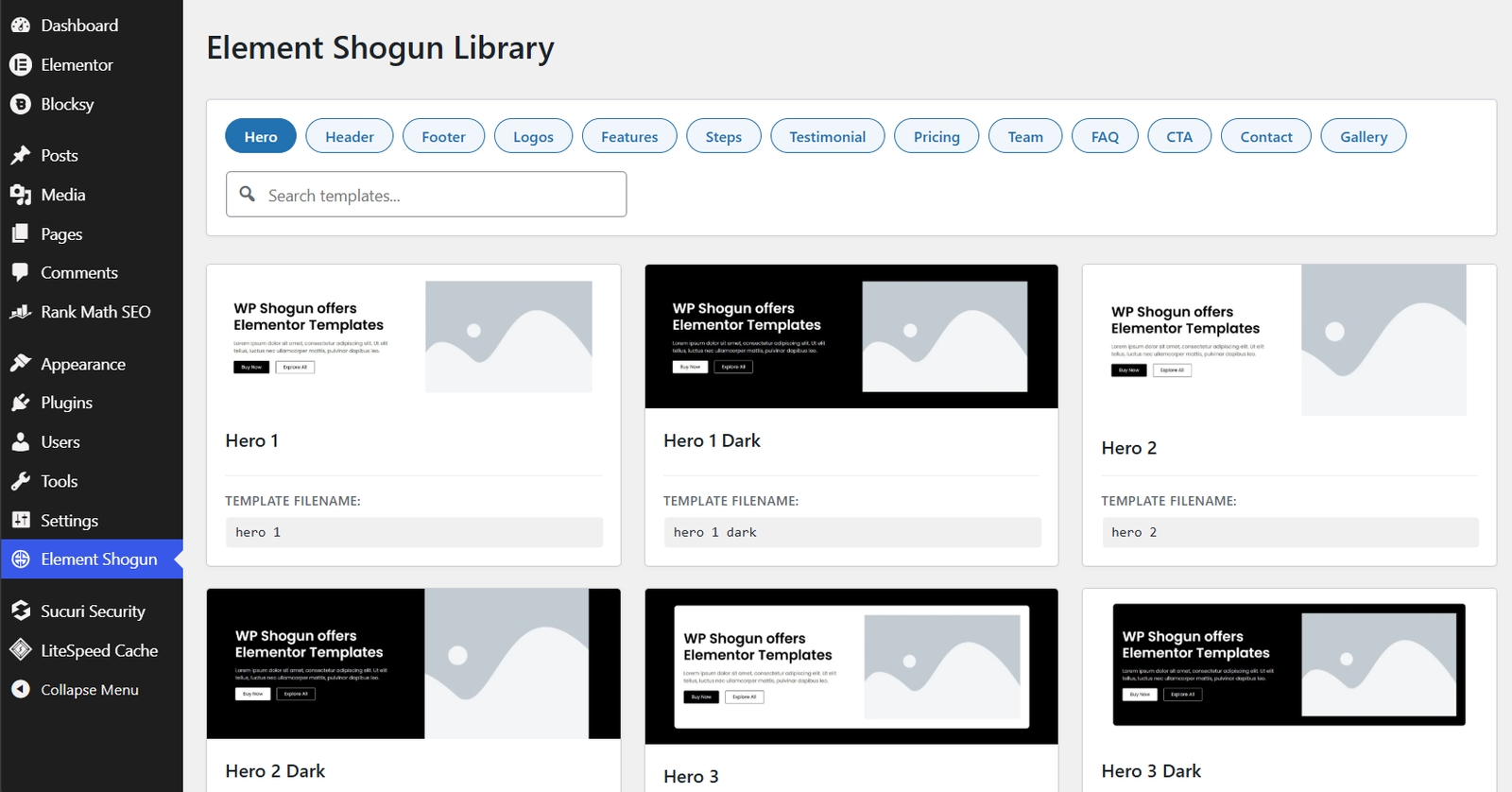
- Open the Element Shogun Library (as shown in the image).
- Browse through the sections and note the template filename.
- Import that template in the editor from the templates folder you downloaded after the purchase.
Note: The plugin only displays the section templates library. You can’t import the templates directly. Direct import feature is under development.